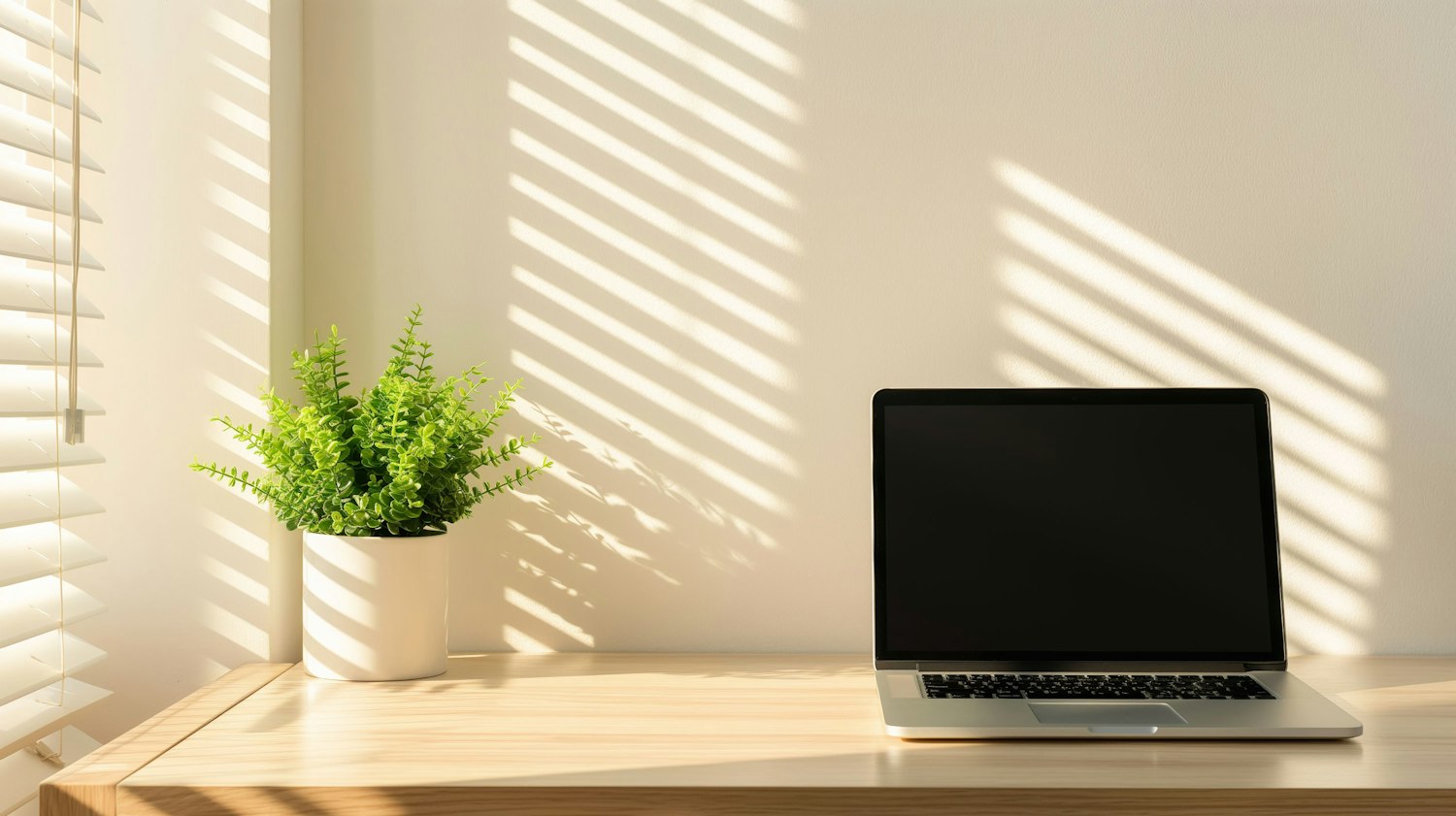
A workspace that helps you focus gets four things right: light, screen position, interruptions and noise. Each is backed by guidance from health and safety bodies or by research, and none needs expensive equipment. This piece is part of our guide to energy and focus.
| Check | Aim for |
|---|---|
| Light | As much daylight as you can get, with the window to your side |
| Screen distance | At least 20 inches (50 cm), about arm's length |
| Screen height | Top of the screen at or slightly below eye level |
| Notifications | Off, or limited to what is truly urgent, during focused work |
| Noise | As quiet and predictable as you can manage |
How much light does a workspace need?
More than most indoor rooms provide. A 2022 expert consensus on daily light exposure recommends a minimum of 250 melanopic lux at eye level during the day, the kind of light the body clock responds to, and suggests using daylight first where it is available. It notes that indoor lighting standards are "typically at least 1 order of magnitude below the natural light environment outdoors".
In practice, put your desk near a window if you can. Daytime light also helps set your body clock, which our article on how daylight sets your body clock explains.
Where should your screen go?
Directly in front of you, at a comfortable distance and slightly below eye level. The US Occupational Safety and Health Administration's guidance on computer monitors says:
- "Put monitor directly in front of you and at least 20 inches away." The preferred distance is "between 20 and 40 inches (50 and 100 cm)".
- "The top of the monitor should be at or slightly below eye level."
- "Tilt the monitor so it is perpendicular to your line of sight", usually no more than 10 to 20 degrees.
- "Place monitor perpendicular to window", so daylight comes from the side rather than glaring off the screen or shining into your eyes.
The American Academy of Ophthalmology gives similar advice: sit "about 25 inches (right about at arm's length) from the screen" and position it so your gaze is slightly downward. If you work on a laptop for long stretches, a stand or a pile of books plus a separate keyboard gets the screen to the right height.
How do you cut down interruptions?
Start with your phone. In a 2015 experiment, phone notifications alone disrupted performance on an attention-demanding task "even when participants did not directly interact with a mobile device during the task."
- Silence notifications during focused work, or use your phone's focus mode.
- Close email and chat during a focused block and check them at set times instead.
- Keep a notepad on the desk for stray thoughts and to-dos, so you can park them without switching task.
Every switch between tasks has a cost, which our article on how to improve focus and attention covers in detail.
Does noise affect concentration?
It can, though the effect depends on the kind of noise and the kind of work. A 2011 meta-analysis of 242 studies found that whether noise is "continuous versus intermittent", the type of noise and the type of task were the main factors that shaped its effect on performance.
There is no single best sound environment for everyone. If unpredictable noise or nearby conversation keeps pulling you away, try a quieter room, closed doors or headphones for your hardest work.
What else helps during a long day at a desk?
- Rest your eyes. Look into the distance regularly; our article on digital eye strain explains the 20-20-20 rule.
- Move. Short breaks to stand and walk help both your body and, for a while afterwards, your thinking. See movement snacks and whether sitting all day cancels out a workout.
- Stretch. The stretching routine builder has a chair-only option for neck, shoulders and back.
If you work from home, a workspace you can close the door on at the end of the day also helps you switch off; see why switching off from work matters.